VETERINARY APPOINTMENT SCHEDULING SOFTWARE

Clients book.

You stay in control.

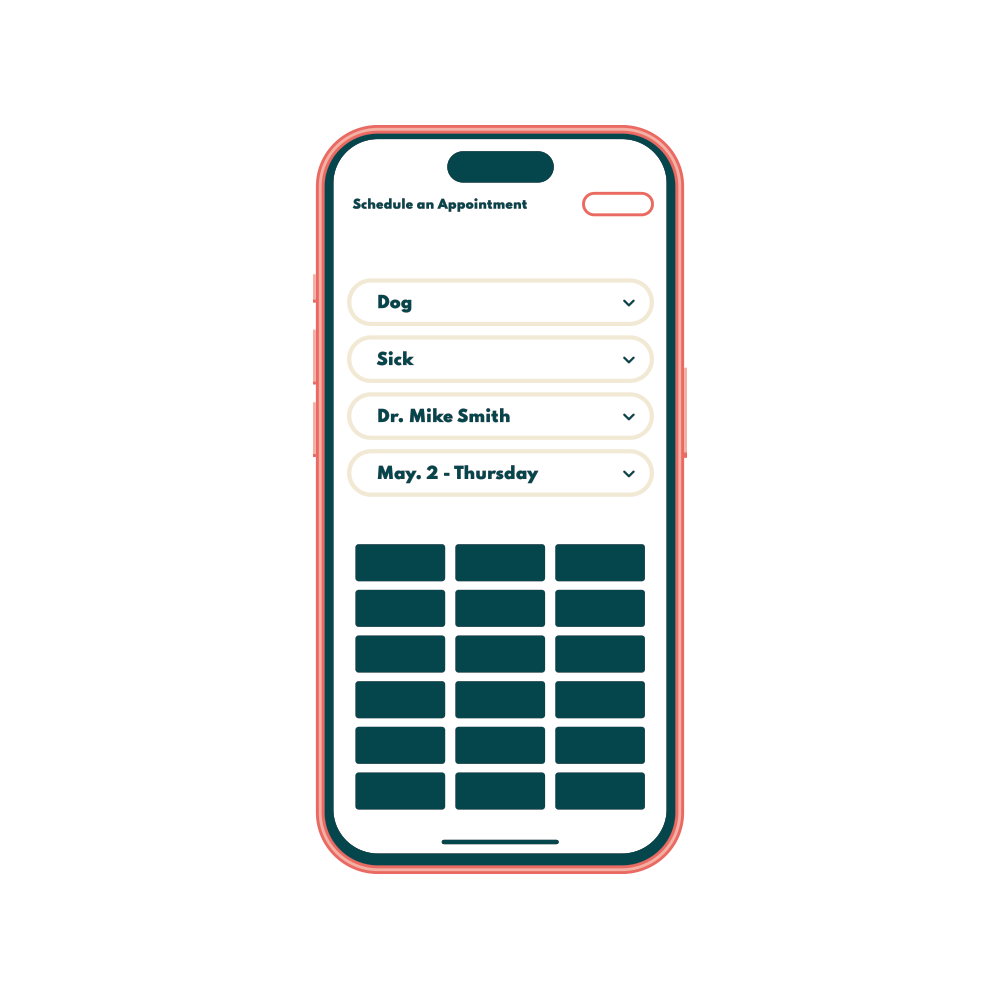
Oliver connects directly to your PIMS so clients can schedule anytime, without double bookings, schedule chaos, or a Monday morning full of voicemails.
OLI_illustrations_home_ONLINEBOOKING_1000px.png
50%

of Oliver bookings happen outside of business hours

ACROSS OLIVER CLINICS

25%

average reduction in inbound call volume

ACROSS OLIVER CLINICS

WHAT'S INCLUDED

Built for how your clinic actually runs

Oliver reduces manual work, improves client experience, and keeps your schedule full.

Real-Time PIMS Sync

Oliver creates the appointment and new client record directly in your PIMS the moment a booking comes through. No double entry.

After-Hours Booking

About 50% of all Oliver bookings happen outside business hours. Clients fill your schedule while you're closed, and Monday morning looks a lot different.

Fully Customizable Rules

Surgery blocks, schedule templates, mixed availability, rooms, columns. If you have unique scheduling needs, we're up for the challenge.

Automatic Deposit Collection

Deposits are collected inside the booking flow and synced to your PIMS automatically. No follow-up calls, no chasing payments after the fact.

Appointment-Specific Reminders

Every booking triggers a confirmation and reminder automatically sent via text or email. Customize by appointment type to include special instructions, form links, or prep guidelines.

Appointment Requests or Direct

You can pick if you want to approve appointments before they're finalized on the calendar.

See it working in your clinic's workflow 

oakcreek-vc-logo11.png

"Oliver has allowed our clients to schedule appointments at their convenience, even during hours when we’re closed. This has been extremely helpful for clients and has directly reduced the amount of time they spend on hold when calling in. The first few hours after we open, especially on Mondays, are typically the busiest. Oliver has helped us better manage this rush since many clients have already scheduled their appointments online. We estimate about a 25% decrease in incoming calls, which allows our reception staff to be more available for in-clinic clients and those who still prefer to call."

Lynn

Practice Manager @ Oak Creek Veterinary Care

COMMON QUESTIONS

Things practices ask before going live

We're really nervous about opening our schedule online, do we have to give up control?

And you're not alone. A lot of the practices we work with felt the same way, but found that you're in control due to our scheduling parameters and PIMs integrations. If you're really hesitant, ask about our Appointment Requests as a great first step.

What if two appointments are booked at the same time?

We have several checks in place to prevent double bookings. Including - temporary placeholders while a client is in the booking process, real-time availability check before the client finalizes the appointment, and constant appointment syncing between Oliver and the PIMS. 

We have a complex scheduling process, will Oliver work for us?

We manage all types of complexity, and are yet to be stumped! A few examples: scheduling by rooms, Doctors having different appointment lengths, rotating schedules, not wanting to book back to back sick appointments, limiting the number of vaccination appointments per day, restricting the last hour of appointments to just wellness exams, surgery drop-offs . . . and on and on. We're happy to take a look at your process if you think it might be unique.

How much work do I have to do to get Oliver running for my clinic?

Maybe an hour or two at most. Our team handles all the heavy lifting for you and will keep you in the loop every step of the way.

Can we review bookings before they're confirmed?

Yes. You can set Oliver to auto-confirm or require staff approval before anything gets locked in. Fully your call, and you can adjust it any time.

Check out how Oliver compares to your current solution

Cookie Settings
This website uses cookies

Cookie Settings

We use cookies to improve user experience. Choose what cookie categories you allow us to use. You can read more about our Cookie Policy by clicking on Cookie Policy below.

These cookies enable strictly necessary cookies for security, language support and verification of identity. These cookies can’t be disabled.

These cookies collect data to remember choices users make to improve and give a better user experience. Disabling can cause some parts of the site to not work properly.

These cookies help us to understand how visitors interact with our website, help us measure and analyze traffic to improve our service.

These cookies help us to better deliver marketing content and customized ads.